For many Indian shoppers, WhatsApp is where buying decisions happen. It's where they ask whether a kurta comes in size M, check if a face wash suits oily skin, confirm a cash-on-delivery order and chase a delivery that's running late. India is WhatsApp's largest market, with more than 500 million users according to Meta, and messaging a business there feels as normal as messaging a friend.
For D2C brands, that makes WhatsApp more than a support channel. Done well, it's a sales channel: one where the shopper asks, gets a fast and accurate answer, and buys in the same conversation.
This guide covers what WhatsApp commerce means in 2026, the building blocks you need, the uses that actually make money, a 30-day setup plan, the mistakes to avoid and how to measure results.
In this guide:
- What WhatsApp commerce is
- The building blocks
- What shoppers actually ask
- Five uses that make money
- A 30-day setup plan
- Mistakes to avoid
- How to measure it
- FAQ
1. What WhatsApp commerce is
WhatsApp commerce means selling to and supporting customers inside WhatsApp, across the whole journey:
- Discovery: a shopper asks for a recommendation or clicks a WhatsApp ad.
- Questions: sizes, ingredients, stock, delivery times, offers.
- Purchase: a product link, a cart, or an order placed in chat.
- Payment: a UPI or payment link, or cash on delivery confirmation.
- After the order: confirmations, shipping updates, "where is my order?", returns and exchanges.
- Coming back: reorder reminders, new launches and offers for people who opted in.
It's also called conversational commerce: selling through conversations instead of only through web pages.
What's new in 2026 is that AI agents now hold most of these conversations. Meta brought its own Meta Business Agent to WhatsApp Business in India in July 2026, and commerce-focused agents like Krunk connect WhatsApp to a brand's live catalog and orders. A small team can now answer thousands of shoppers a day, accurately, at any hour. Meta Business Agent: what D2C brands still need →
2. The building blocks
You don't need all of these on day one, but it helps to know what each piece does.
| Block | What it does | Notes |
|---|---|---|
| WhatsApp Business App | Free app for small sellers | Fine to start. One phone, manual replies, limited automation. |
| WhatsApp Business Platform (the "API") | For brands that need automation, several team members, and integrations | Set up through a Meta Business Partner (also called a BSP). Needed for AI agents and bulk updates. |
| Catalog | Products shown inside WhatsApp | Keep it synced with your store so prices and stock match. |
| Message templates | Pre-approved messages a business can start a conversation with | Used for order updates, cart reminders and offers. Need opt-in. |
| Payments | UPI and payment links shared in chat | Most brands use their existing payment gateway's links. |
| AI agent | Answers, recommends, tracks orders, hands over | The part that lets the conversation scale. |
| Inbox / CRM | Where your team sees every chat and customer history | Ideally shared with Instagram and website chat. |
The free app vs. the Business Platform
The WhatsApp Business App is free and works well when you're getting a few dozen messages a day and one or two people reply. Its limits show up quickly: it runs on one phone (plus linked devices), automation is basic, and it doesn't connect to your store.
The WhatsApp Business Platform is what growing brands move to. It lets several team members share one number, connects to your store and CRM, supports AI agents, and lets you send template messages at scale.
How the Business Platform is charged
Meta charges per message delivered, at a different rate for each type of message. Messages customers send you are free. India rates from 1 October 2026, before 18% GST:
- Marketing templates (offers, launches, cart reminders) cost the most: about ₹0.86 per message;
- Utility templates (order confirmations, shipping updates): about ₹0.115 per message;
- Authentication templates (one-time passwords): about ₹0.115 per message;
- Service replies (your answers inside the 24-hour customer service window): the first 1,000 a month on each number are free. After that, each one is charged at the utility rate. Meta started charging for these again on 1 October 2026; before that they were free.
- Ad replies: when a shopper messages you from a Click-to-WhatsApp ad, your replies are free for up to 7 days once you respond (on the mobile apps, not WhatsApp Web). Meta Business Agent messages are still charged.
Meta's own AI agent (Meta Business Agent) is charged separately, by usage: about 4–5 US cents per typical message. Your partner (BSP) may add its own fee on top of Meta's. Ask for both numbers when you compare, and check Meta's rate card, because rates change up to four times a year.
The 24-hour window, in one paragraph
When a customer messages you, a 24-hour window opens. Inside it you (or your AI agent) can reply freely with normal messages. Once it closes, you can only start a new conversation with an approved template, and only with customers who've opted in. This rule shapes everything: it's why fast replies matter, and why cart reminders and offers must be planned as templates.
3. What shoppers actually ask
The questions we see most often fall into five groups:
Product questions — the biggest sales opportunity.
"Is this available in M?", "Which one is better for dry skin?", "Is it pure cotton?", "Is it safe for kids?"
Order status — the biggest time drain.
"Where is my order?", "It said delivery by Friday", "Can I change my address?"
Offers and prices — the most time-sensitive.
"Is there any discount?", "The code isn't working", "Is the sale still on?"
Policies — the trust builders.
"Do you have COD?", "Can I return it if it doesn't fit?", "How long does delivery take to Pune?"
Problems — the ones that need a person.
"I got the wrong size", "The product is damaged", "I've asked three times!"
The first four can be answered accurately by an AI agent connected to your store. The fifth should go to your team, quickly, with the full conversation attached.
4. Five uses that make money
1. Product discovery
A shopper describes what they need — "something for my mother's birthday under ₹2,000" — and gets 2–3 real products with photos, prices and links. This is the closest WhatsApp gets to a good salesperson in a store, and it's where most revenue comes from.
What makes it work: an agent that filters your live catalog on several needs at once (price, size, occasion, ingredients) instead of matching one keyword.
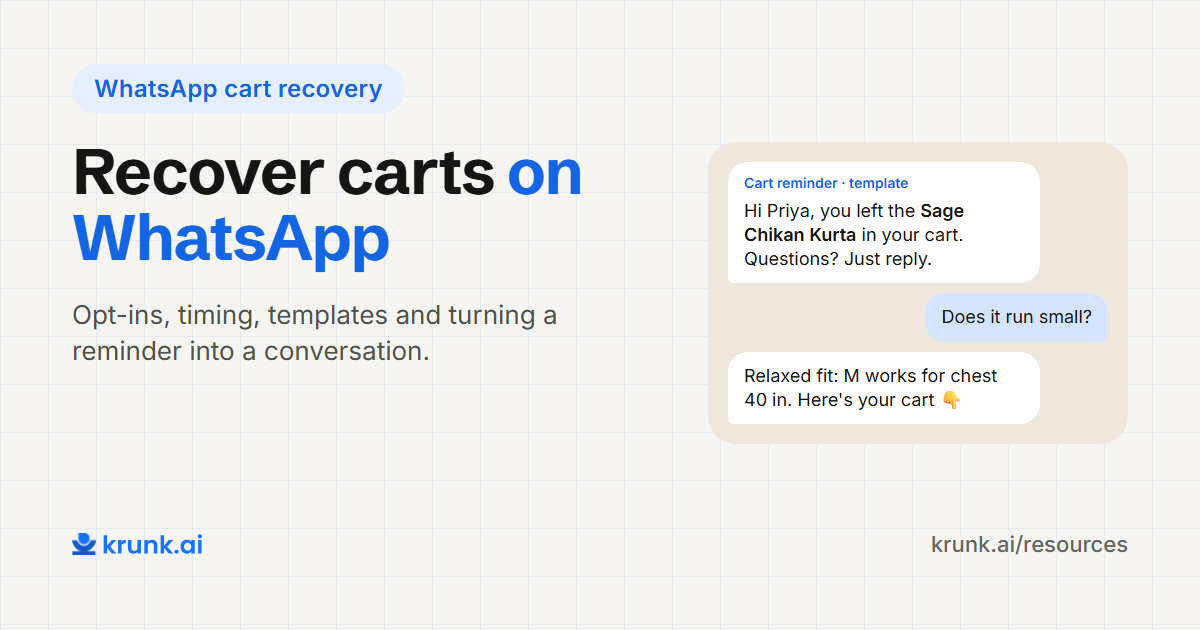
2. Cart recovery
Shoppers who added to cart and left get a reminder on WhatsApp with the exact product and a reason to come back: low stock, a size they picked, or a small offer.
Rules to know: cart reminders are marketing templates, so they need the customer's opt-in to WhatsApp messages and cost the most per message (about ₹0.86 in India). Send one well-timed reminder, not three.
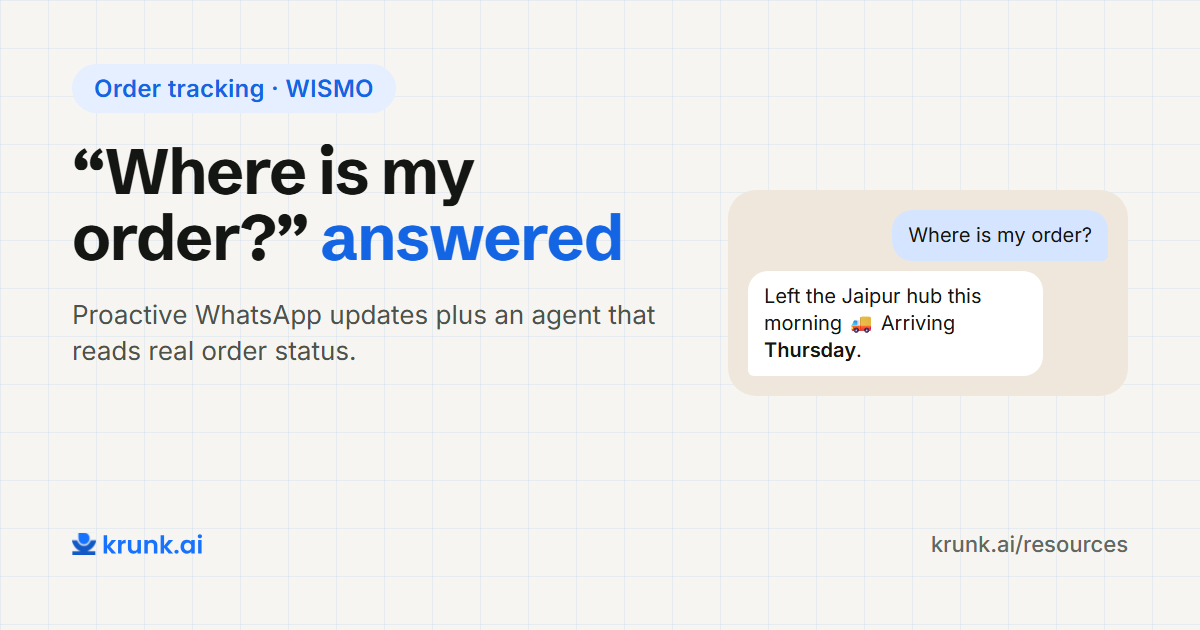
3. Order tracking ("where is my order?")
Order status questions are often the most repeated message a brand gets. An agent that looks up the real order and replies with status and tracking link removes hours of work every day — and a fast, accurate answer reduces cancellations from nervous COD buyers.
4. After the purchase
Usage tips for the product they bought, a reorder reminder when a consumable runs out, a request for a review, or a matching product. These keep customers coming back without another ad.
Rules to know: these are template messages too, so they need opt-in. Make them useful, not just promotional.
5. Click-to-WhatsApp ads
Instead of sending ad traffic to a product page, send it straight into a WhatsApp conversation. It works well for products that need questions answered before buying — sizing, skin type, gifting — and for higher-priced items.
What makes it work: an instant, accurate reply. Ad clicks at 10 pm need an answer at 10 pm, which is where an AI agent pays for itself.
5. A 30-day setup plan
| Week | What to do |
|---|---|
| 1 | Move to the WhatsApp Business Platform through a partner. Connect your store catalog. Collect opt-ins at checkout. |
| 2 | Write your policies clearly. List the questions you get most. Decide what the AI must never promise (delivery dates, medical claims, refunds outside policy). |
| 3 | Launch the AI agent on product and order questions. Your team handles handoffs and reviews conversations daily. |
| 4 | Fix the gaps you found. Then add order-update and cart-reminder templates, and a post-purchase message. |
Week 1: foundations
- Pick a partner for the Business Platform. Ask about setup time, their fee on top of Meta's charges, and whether they help with templates.
- Connect your catalog. On Shopify this can sync automatically, so prices and stock always match your store.
- Start collecting opt-ins at checkout ("Get order updates on WhatsApp"). You'll need them for every message you start.
Week 2: rules and content
- Rewrite your policies in plain language: shipping times by region, return window, exchange process, COD rules.
- List your top 30 questions from the last month of chats. These become your test set.
- Write your "never" list: things the agent must never promise or claim. This is part of what's now called the agent's harness. What is an agent harness? →
Week 3: go live, carefully
- Launch on product and order questions first. These are the highest-volume and easiest to verify.
- Keep a person on handoffs. Complaints and exceptions go straight to your team.
- Read conversations every day. Note every wrong or weak answer.
Week 4: improve and expand
- Fix the gaps from week 3: missing product details, unclear policies, rules that need tightening.
- Add templates: order confirmation and shipping updates (utility), then one cart reminder (marketing).
- Add one post-purchase message for your best-selling product.
6. Mistakes to avoid
Broadcasting offers to people who never opted in.
It annoys customers and gets your number blocked and reported. That lowers your quality rating, which Meta works out from how people reacted to your messages over the last 7 days. A low rating stops your daily messaging limit from growing, and repeated policy breaches can get your account restricted.
A bot that can't hand over to a human.
The fastest way to lose a customer is to make them fight an automated reply when they have a real problem.
A WhatsApp catalog that doesn't match your website.
Different prices or stock on WhatsApp and the website cost you trust immediately. Sync from your store.
Letting the agent guess.
An AI agent without your live data will invent answers. Connect it to your catalog, orders and policies, and tell it to hand over when it doesn't know. WhatsApp chatbot vs AI sales agent →
Measuring messages sent instead of orders influenced.
Sending 10,000 messages is easy. What matters is how many conversations ended in an order.
Treating WhatsApp as separate from Instagram.
Shoppers move between channels. If your team can't see that the WhatsApp customer is the same person who asked on Instagram yesterday, they start again — and so does the customer.
7. How to measure it
Track five numbers every month:
| Metric | What it tells you |
|---|---|
| Chats started | Demand: how many shoppers reach out |
| % resolved without a human | How much work the agent is taking off your team |
| Conversion: shoppers who chatted vs. those who didn't | Whether WhatsApp is actually helping people buy |
| Revenue from chat-assisted orders | The money WhatsApp brings in |
| First reply time | Speed, which drives most of the above |
Add tracking parameters (UTMs) to every link the agent or your templates send, so orders from WhatsApp show up correctly in your analytics.
How Krunk helps
Krunk is an AI sales agent built for D2C brands selling on WhatsApp. It connects to your Shopify store (catalog, stock, orders and discounts sync automatically), recommends products by what the shopper needs, answers order and policy questions from your real data, follows your brand's rules, and hands chats to your team when it should. The same agent works on Instagram and your website, with one inbox for your team.
We set it up for you, and every plan starts with a 1-month free trial.
Next step
See the WhatsApp AI agent →FAQ
What is WhatsApp commerce?
Selling to and supporting customers inside WhatsApp: product questions, recommendations, orders, payments, order updates and repeat purchases.
Can I sell on WhatsApp without a website?
Yes, with the WhatsApp Business App catalog and payment links. But as orders grow, a store (such as Shopify) connected to WhatsApp makes stock, orders and payments much easier to manage.
Do I need the WhatsApp Business API to sell on WhatsApp?
Not to start. You need the Business Platform (API) when you want several team members on one number, an AI agent, store integration or messages at scale.
How much does WhatsApp Business Platform cost in India?
Meta charges per message delivered. From 1 October 2026, marketing messages cost about ₹0.86 each and utility and authentication messages about ₹0.115 each, plus GST. Replies inside the 24-hour window are free for the first 1,000 a month on each number, then charged at the utility rate. Partners add their own fee. Check Meta's current rate card for India.
Is cart recovery on WhatsApp allowed?
Yes, using an approved marketing template sent to customers who opted in to WhatsApp messages.
What is the difference between a WhatsApp chatbot and an AI agent?
A chatbot answers from a script or FAQ. An AI agent can use tools — search your catalog, check orders, read offers — and hands over to a person when needed. WhatsApp chatbot vs AI sales agent →